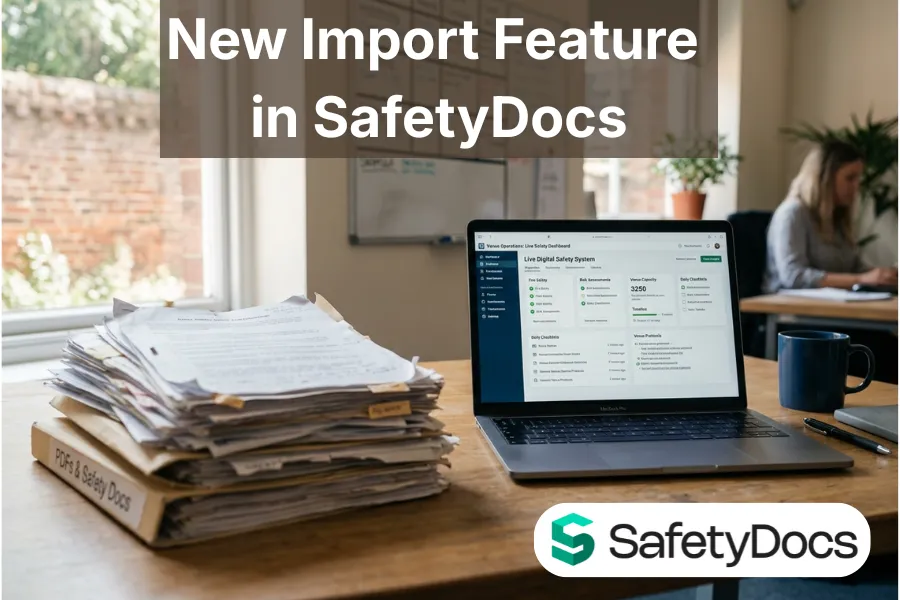
New in SafetyDocs: import your existing safety documents straight in
Most venues do not start with a blank page. They start with a folder. Years of risk assessments, stewarding briefs, evacuation plans, contractor inductions, all written up as PDFs and Word files, all sitting in a shared drive.
That folder is the problem this release fixes.
When a venue moves to SafetyDocs, the live system is ready on day one, but the existing documents are not in it yet. Until now, getting them in meant retyping, page by page. So it did not happen. The documents stayed as a PDF on a shelf, and the live system sat half empty while the real safety knowledge stayed locked in the old files.
From today you can import your existing documents straight into SafetyDocs.
What it does
Open a book, click Import documents, and upload a PDF or Word file. SafetyDocs reads it and converts it into a live page, keeping the structure and the images, and attaches the original file so you always have the source.
The import does not go live on its own. It lands in a Pending review area for someone to check and approve first. That is deliberate. A converted document is a strong first draft, not a finished page, and the person who owns that safety content should be the one who signs it off. What you get is a page you approve, not one that appears without anyone looking at it.
The practical effect is that the gap between having the documents and having them live closes in minutes instead of never. A stewarding brief that lived in a PDF becomes a live SafetyDocs page that can be updated, synced and evidenced like everything else in the system.
Why we built it
This is the static versus live gap, at the point most venues feel it first: onboarding.
A PDF is a snapshot. It was true on the day it was saved and it has been drifting out of date ever since. A live SafetyDocs page is the current version, synced to everyone who needs it, with a record of what changed and when. The whole point of moving to SafetyDocs is to close that gap. But if the only way in is to retype everything by hand, most of the existing documents never make the journey, and the venue runs on a live system for new work and a stale folder for everything else.
The import feature removes the retyping. It is the on-ramp from the folder to the live system, so the documents you already trust become documents you can actually keep current.
The security and technical considerations
Letting people upload files into a safety system is exactly the kind of feature that has to be built carefully, so it was. Before this went anywhere near a live venue it went through a full internal security review, and the controls below are the result.
Only administrators and editors can import. The feature is not open to everyone with a login. You have to be signed in, with the right level of access, and the check is made on the server every time, not just hidden in the interface.
Every file is scanned for malware before anything else happens. If a file is infected it is quarantined and never imported, and the person is told. A clean scan is required before the document is processed at all.
Documents are checked for exposed secrets before they are read. If a file contains something that looks like a password, an access key or a private key, the import stops before the document is processed, and the secret itself is never stored or passed on. The system records only that a credential pattern was found, never the value. If a contractor has circulated a live credential inside a briefing note, that is something the venue needs to know about, and this catches it at the door.
Only PDF and Word files are accepted, and the file's actual contents are checked against its type, so renaming something to look like a PDF does not get it in. Uploads are size limited.
Nothing is published automatically. Every import waits in Pending review for a person to approve it, which means a human is always the last step before anything becomes live safety content.
Each venue's import runs in its own separate system. Your documents are processed in your instance and stay there. One venue's uploads cannot reach another's.
None of this is visible when you use it, which is the point. You click Import, you review the result, you approve it. The controls sit underneath, doing their job quietly.
Getting started
If your venue already has the import feature, open any book and look for Import documents at the top of the page. Upload one of your existing risk assessments and see it come through to Pending review. If you would like it enabled, or you are not yet on SafetyDocs, start a free SafetyDocs trial and bring your existing documents with you.
Further reading: why outdated Word and PDF safety files put your event at risk and master document sync, the secret to error-free event safety files.