Import your existing documents straight into SafetyDocs
Import your existing documents straight into SafetyDocs
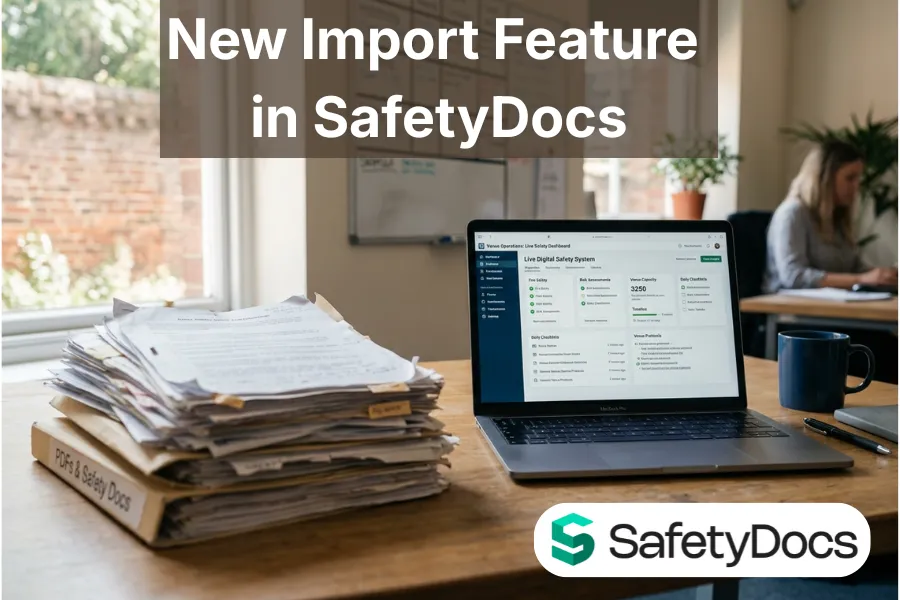
Here's what actually happens when a venue moves to SafetyDocs. The system is live, but years of safety documents are still sitting in a folder: risk assessments, stewarding briefs, site plans, all as PDFs and Word files. Getting them in used to mean retyping. So they stayed where they were, and the live system started half empty.
You can now bring those documents straight in. Open a book, click Import documents, upload a PDF or Word file, and SafetyDocs converts it into a live page for you.
Nothing goes live on its own. Every import lands in a Pending review area first, with the original file attached, so someone checks it before it is published. What comes in is a starting point you approve, not a page that appears behind your back.
A few things worth knowing. Only administrators and editors can import, so it is not open to everyone with a login. Every file is scanned for malware before it is touched, and anything that looks like a password or an access key stops the import before the document is processed. Only PDF and Word files are accepted. Your documents stay in your own venue's system.
Nothing to switch on if your venue already has it. Open a book, look for Import documents at the top, and bring your first file across.
